Guide
Apple Calendar
Calendar subscription on iPhone, iPad or Mac. Screenshots may differ slightly depending on your iOS version.
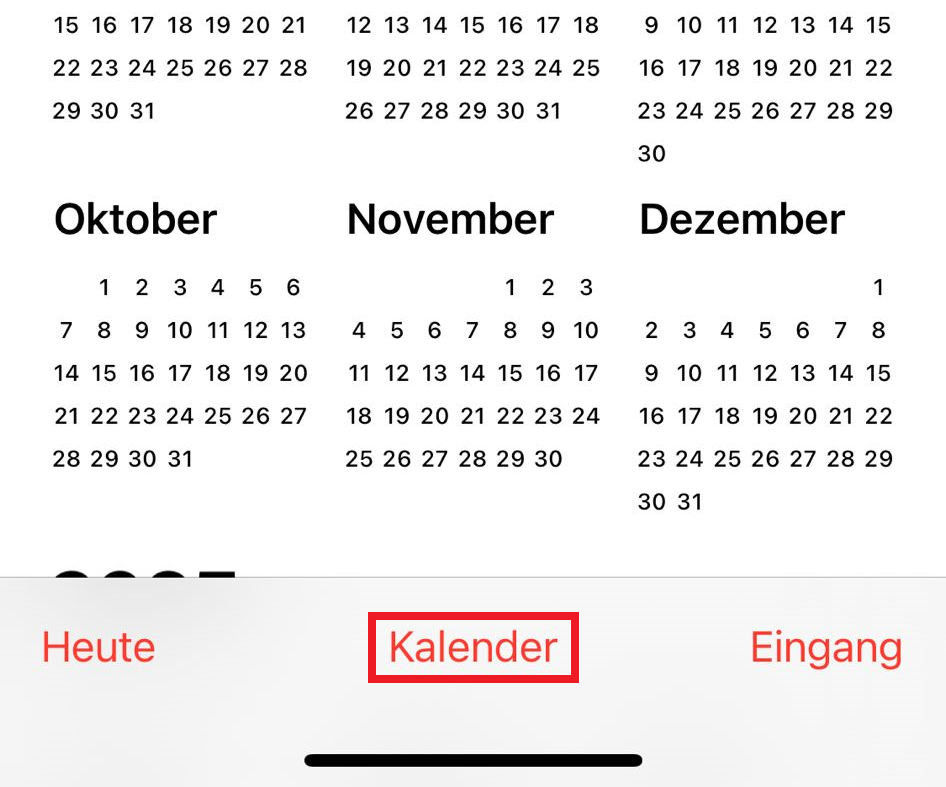
1. Open the Calendar app
Tap “Calendars” at the bottom of the Calendar app.
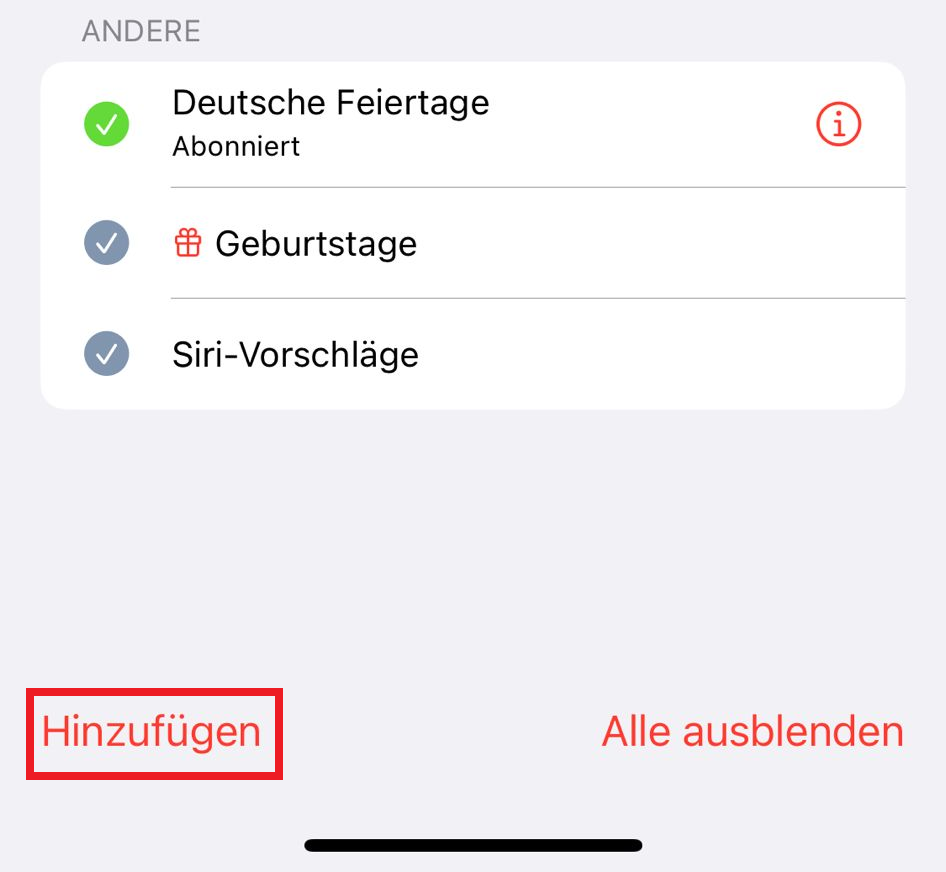
2. Add a calendar
Tap “Add Calendar” at the bottom left.
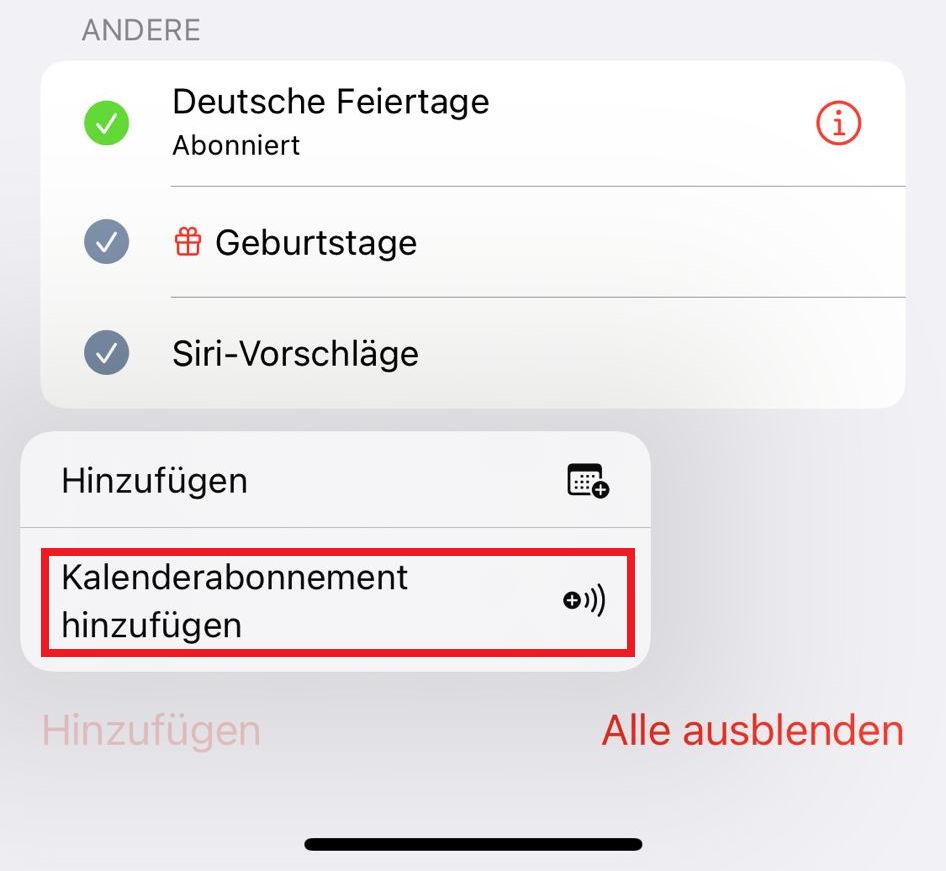
3. Choose a calendar subscription
Choose “Add Subscription Calendar”.
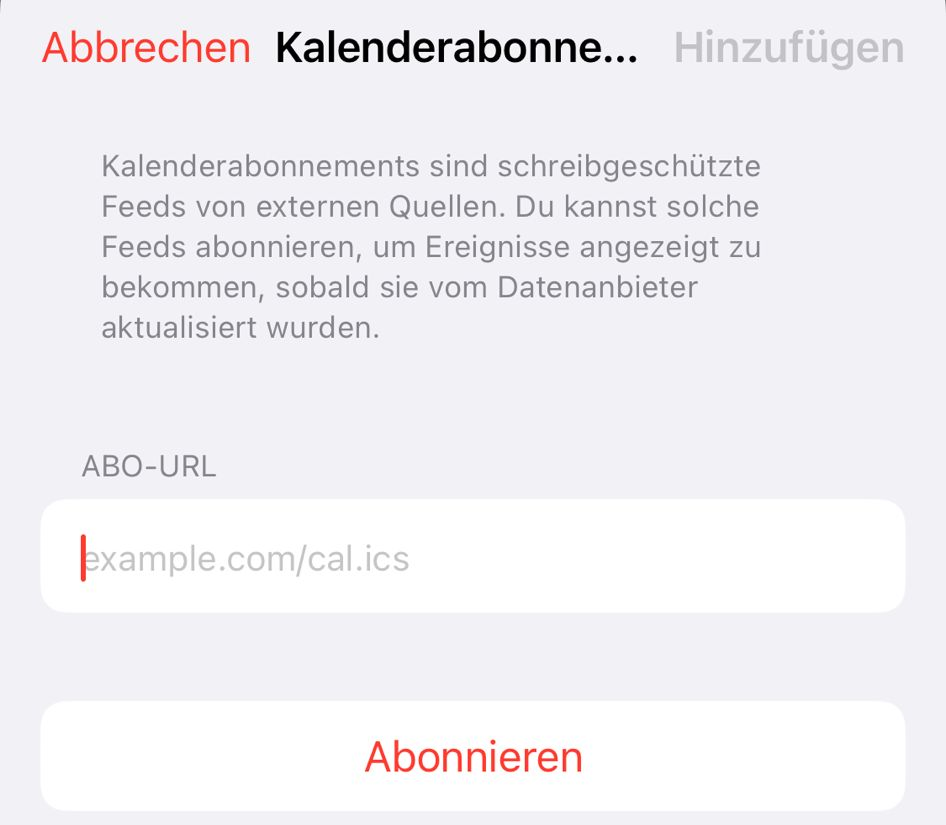
4. Paste your Yourical link
Paste your personal link and tap “Subscribe”.
Apple Calendar refreshes subscriptions automatically in the background. The exact interval depends on iOS and your settings.